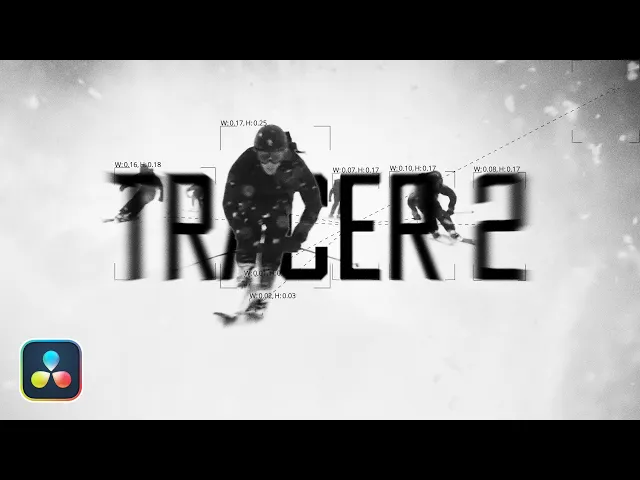
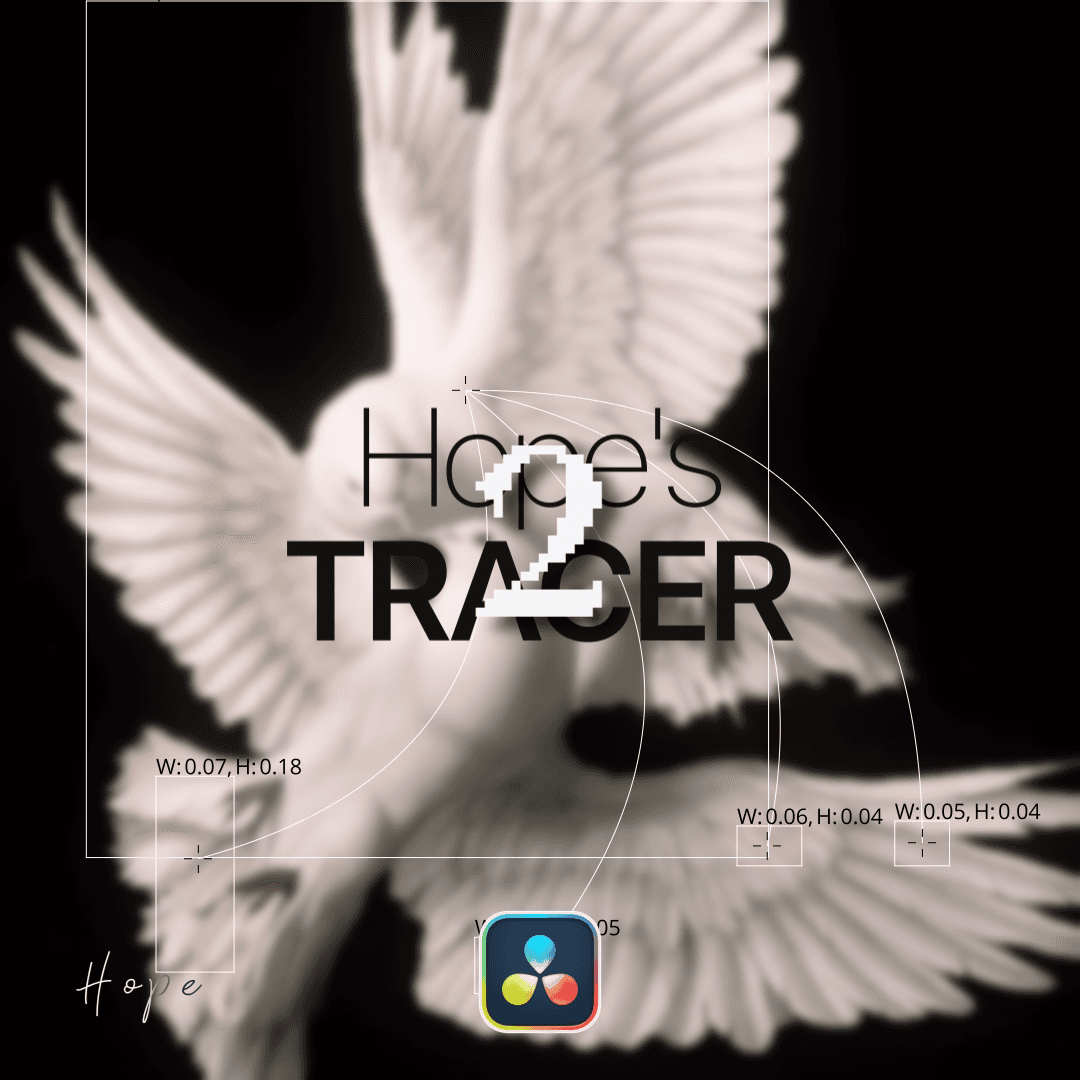
Hope's Tracer 2

Hope's Tracer 2

29.99 €

The second version of my bestselling plugin, Hope’s Tracer.
This update introduces a wide range of new features and even more creative possibilities for achieving that signature glitchy line effect.

Available for:

Free and Studio Version

Example Video

YouTube Showcase

learn more about this plugin

How to install this plugin?

To install Fuse plugins in DaVinci Resolve, simply copy the .fuse file into the following directory:

Installation Path Windows: %AppData%\Blackmagic Design\DaVinci Resolve\Support\Fusion\Fuses

macOS: ~/Library/Application Support/Blackmagic Design/DaVinci Resolve/Fusion/Fuses

Linux: ~/.local/share/DaVinciResolve/Fusion/Fuses

Quick Steps

  1. Paste the file into the folder above.

  2. Restart DaVinci Resolve.

  3. Find the tool in the Fusion page via the Tool Selection (Shift + Space).

Note: If the Fuses folder doesn't exist, manually create it.


To install .drfx macros in DaVinci Resolve, follow these simple steps:

Installation Steps

  1. Double-click the .drfx file on your computer.

  2. DaVinci will open automatically - click Install.

  3. Restart DaVinci Resolve to complete the installation.

Note: Your new presets will be available in the Effects, Titles, or Generator library on the Edit Page.

© 2026 hopeedits copyright reserved

© 2026 hopeedits copyright reserved

© 2026 hopeedits copyright reserved