
29.99 €
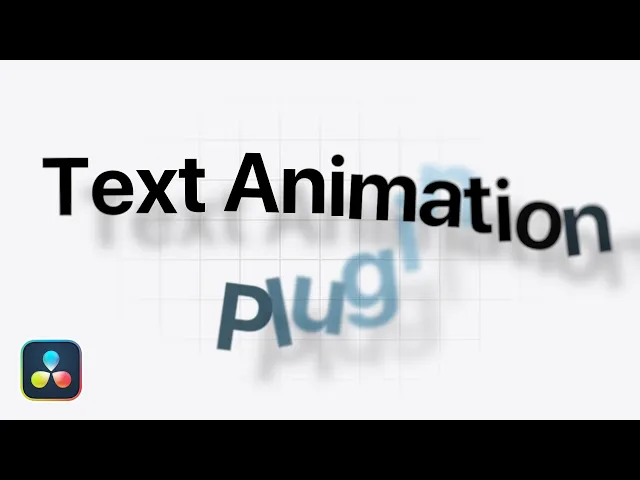
Text animation plugin that lets you create complex, creative animations in seconds.
Available for:
Free and Studio Version
Windows & MacOS
Example Video
Plugin Controls

YouTube Showcase
learn more about this plugin
What is this plugin for?
This plugin allows you to create complex, high-quality text animations in just seconds—without the need for tedious keyframing. It offers a flexible follower system, letting you animate text on a per-letter, per-word, or per-line basis, giving you full creative control over how your animation unfolds.
Unlike many traditional tools, it supports both in and out animations, so you can seamlessly control how your text appears and disappears. A wide range of customizable parameters—including opacity, position (X and Y), scale, rotation, explosion, random rotation, and blur—can be animated effortlessly by simply selecting from a variety of built-in curves such as linear, ease in/out, ease out/in elastic, and more.
Whether you're aiming for clean, Apple-style text animations or dynamic and expressive motion graphics, this plugin adapts to your needs. It streamlines your entire workflow, making advanced text animation faster, more intuitive, and significantly more powerful than traditional methods.