free
Only for Studio Version of DaVinvi Resolve 20+
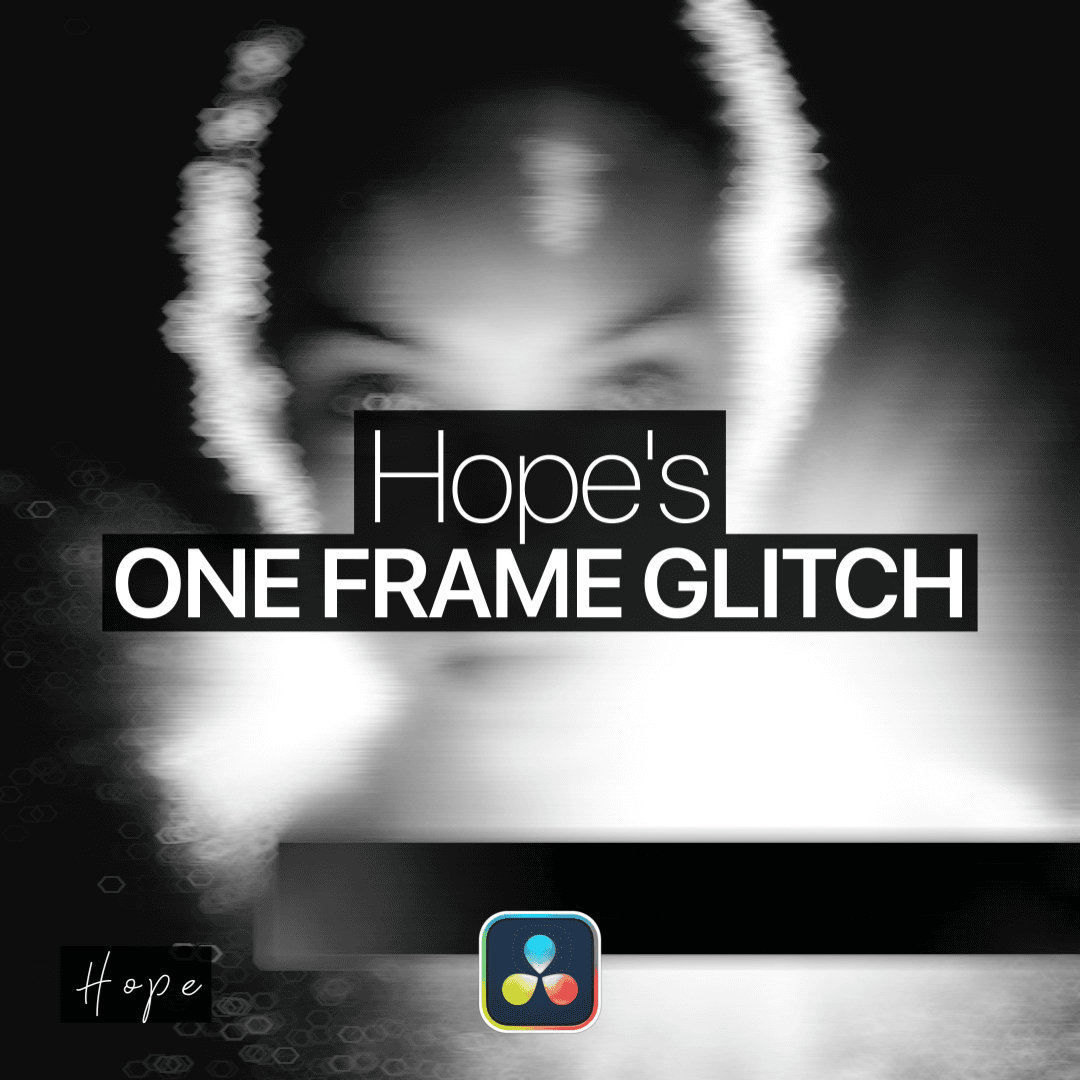
This Preset gives you 19 different One Frame Glitches.
Available for:
Only Studio Version 20+
free
Only for Studio Version of DaVinvi Resolve 20+
This Preset gives you 19 different One Frame Glitches.
Available for:
Only Studio Version 20+