19.99 €
Create custom animations with a brand new modifier.
Available for:
Free and Studio Version
Windows & MacOS
Example Video
Plugin Controls

YouTube Showcase
learn more about this plugin
What is this plugin for?
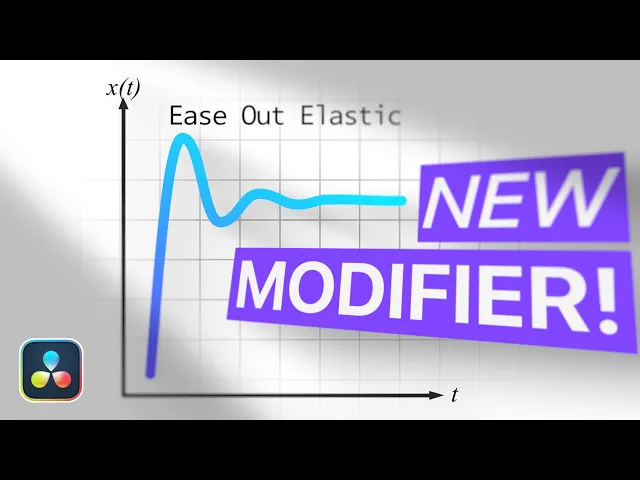
With this plugin, you can create complex motion animations without using keyframes. It works similarly to anim curves, but is entirely frame-based and offers a significantly improved elastic curve option.
You can choose from a variety of curves, including Ease Out, Ease Out Elastic, Ease Out Back, Ease Out Bounce, Ease In Out, Ease In Out Back, Ease In, Ease In Elastic, Ease In Back, and Ease In Bounce.
Each curve can be further customized with parameters such as duration, damping, and frequency. You can also define the start and end values and control when the animation begins.
This plugin is perfect for complex motion graphics, while also making everyday animations much easier to create.