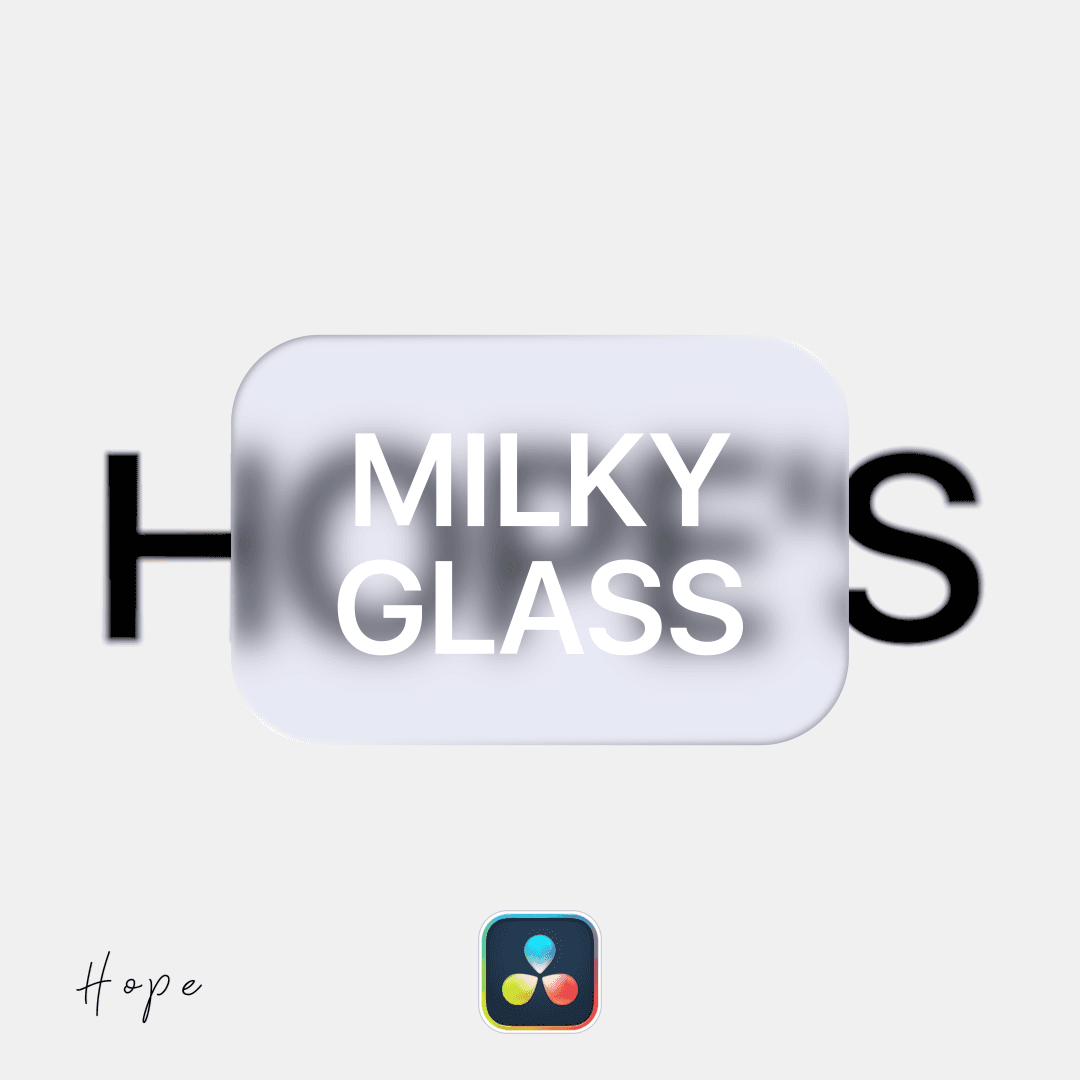
Hope's Milky Glass

Hope's Milky Glass

free

Milky glass effect - perfect for Apple-style motion graphics.

Available for:

Free and Studio Version

How to install this plugin?

To use .setting files in DaVinci Resolve, you can either use them instantly or install them permanently:

Method 1: Instant Use

  1. Open the Fusion page in DaVinci Resolve.

  2. Drag and drop the .setting file directly from your folder into the Fusion Node Editor.

Method 2: Permanent Installation (Searchable via Shift + Space)

To make settings searchable, copy the file into the following directory:

Installation Path Windows: %AppData%\Blackmagic Design\DaVinci Resolve\Support\Fusion\Macros

macOS: ~/Library/Application Support/Blackmagic Design/DaVinci Resolve/Fusion/Macros

Linux: ~/.local/share/DaVinciResolve/Fusion/Macros

Quick Steps

  1. Paste the .setting file into the Macros folder.

  2. Restart DaVinci Resolve.

  3. Press Shift + Space in the Fusion page and type the name of the file to find it.

Note: If the Macros folder does not exist, manually create it.

© 2026 hopeedits copyright reserved

© 2026 hopeedits copyright reserved

© 2026 hopeedits copyright reserved