29.99 €
Give your image that aesthetic ballpoint look.
Available for:
Free and Studio Version
Windows & MacOS
Example Video
Plugin Controls

YouTube Showcase
learn more about this plugin
What is this plugin for?
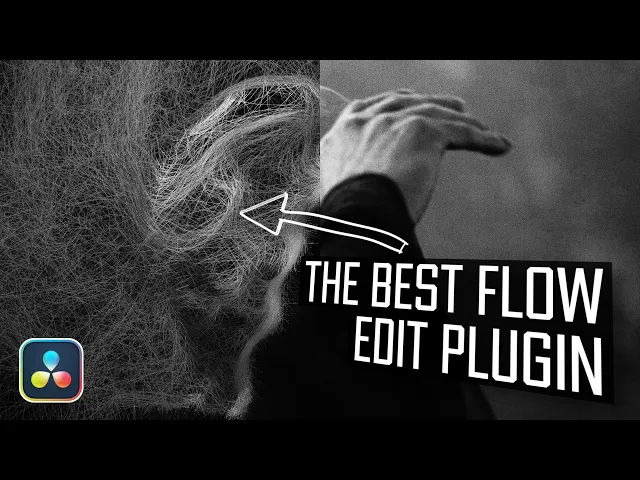
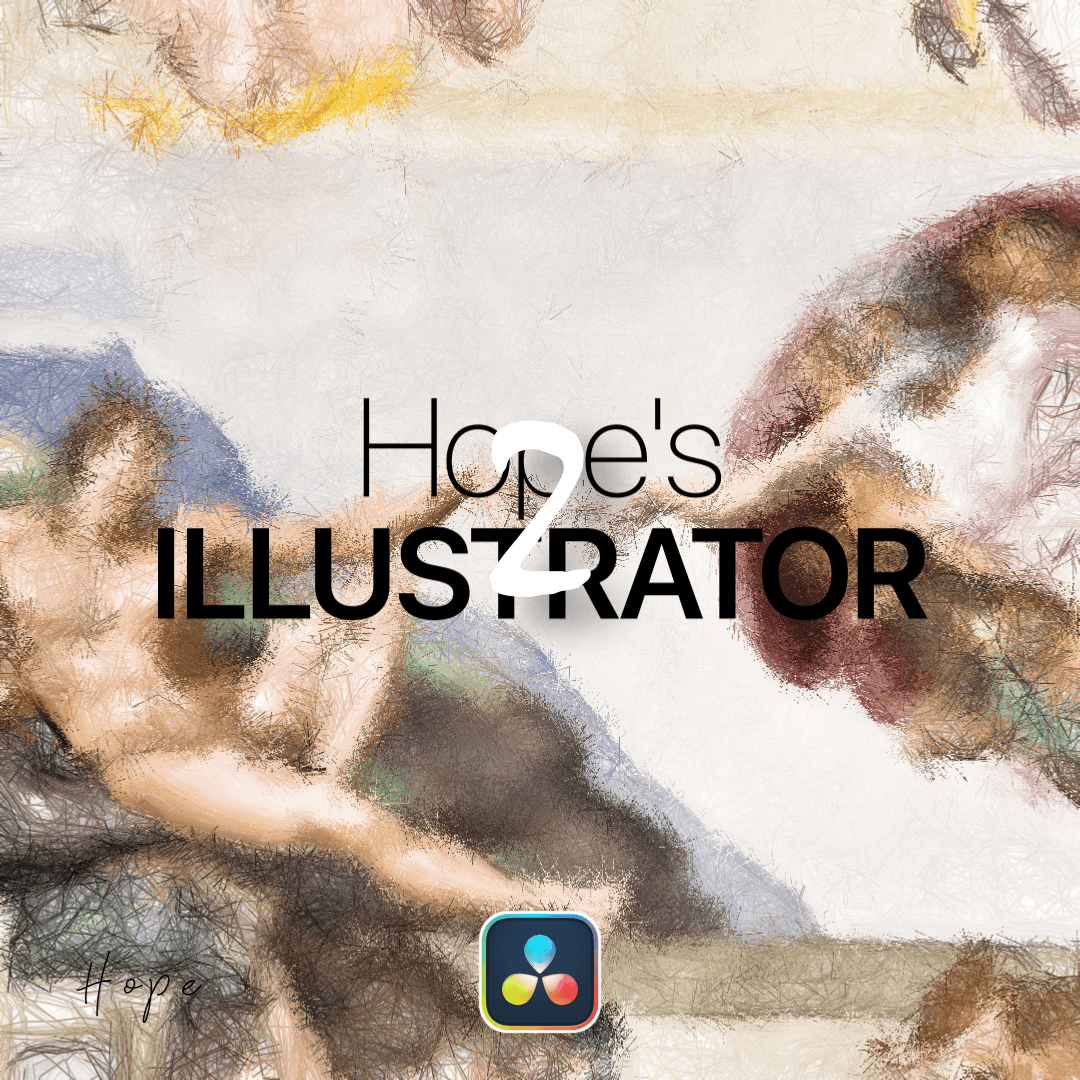
Hope's Illustrator 2 is a powerful GPU accelerated line generation plugin that makes it easy to create the popular ballpoint pen, scribble, and hand drawn illustration effects directly inside DaVinci Resolve.
Designed to turn images and footage into detailed line based artwork, the plugin gives you the ability to generate thousands of individual lines to create anything from subtle sketch textures to dense and highly detailed illustrations. Whether you're looking for a realistic pen drawn appearance or a more stylized scribble effect, Hope's Illustrator 2 gives you the flexibility to shape the result to fit your creative style.
The biggest upgrade in the second version is its fully GPU based processing. Instead of relying on the CPU to generate and process every line, Hope's Illustrator 2 performs its calculations directly on the GPU. This allows the plugin to handle significantly more lines while maintaining stable and responsive performance, making complex illustrations much more practical to use in real time.
The high line count also opens up a wide range of creative possibilities. Create hand drawn animations, ballpoint illustrations, sketch effects, scribbled portraits, stylized transitions, music video visuals, or detailed line art from your existing footage.
Hope's Illustrator 2 combines the recognizable aesthetic of hand drawn artwork with the performance of modern GPU processing, giving you a fast and flexible way to transform your footage into detailed illustrated visuals.