9.99 €
Glitch text with customizable start and end glitch animations.
Available for:
Free and Studio Version 20+
Windows & MacOS
Example Video
Plugin Controls
What is this plugin for?
This glitch text plugin is perfect for creating that modern, glitchy aesthetic with minimal effort. It allows you to add stylized distortion effects to your text, giving it a digital, broken, or signal-interference look that fits perfectly in TikTok edits, music videos, and cinematic glitch sequences.
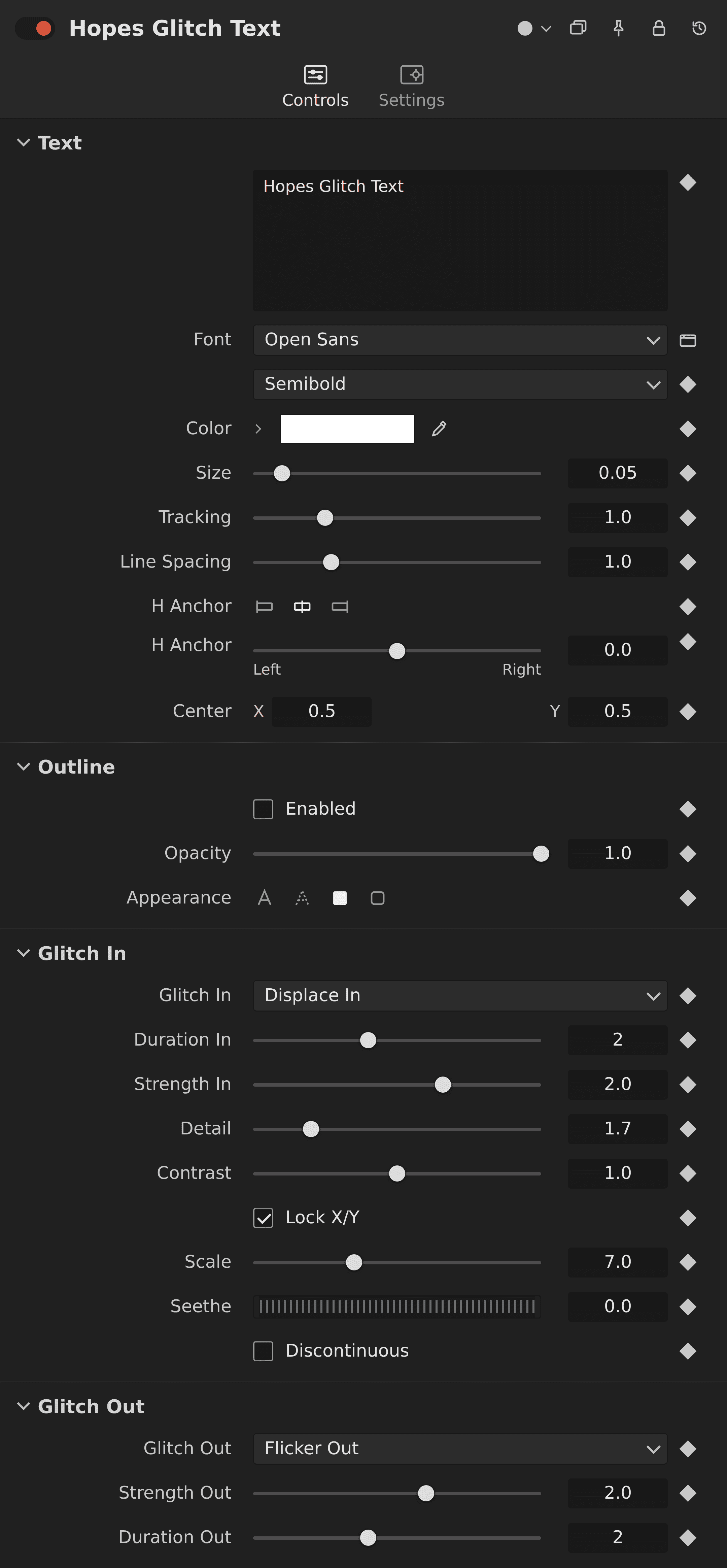
You can choose from 6 different glitch styles for both the in and out animations: Flicker, Width, Height, Box, Displace, and Half Flicker. This gives you full control over how your text appears and disappears, making it easy to create anything from subtle flickers to aggressive glitch breakdowns.
All of these effects are combined into a single, easy-to-use node, keeping your node tree clean while still offering powerful customization. It’s a fast and efficient way to create professional glitch text animations without complicated setups.