19.99 €
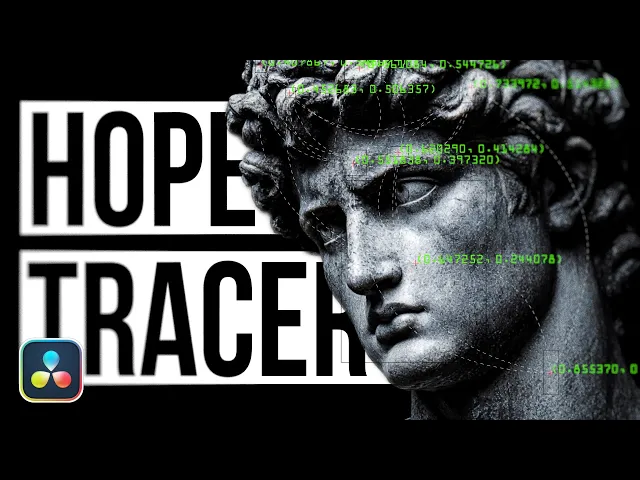
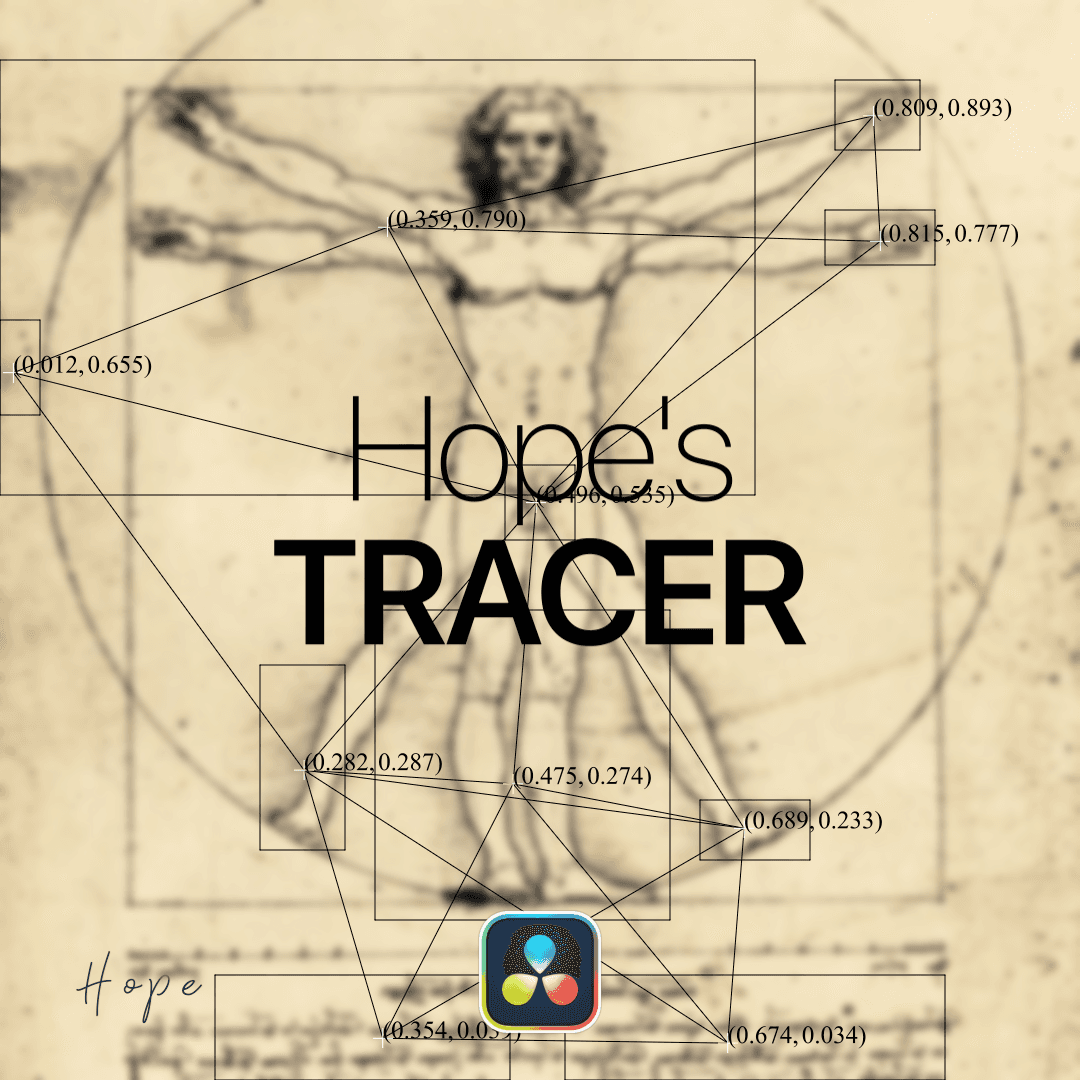
Unlock creative pattern generation with my Tracery-inspired plugin. It lets you add stylized and tracked lines, rectangles and coordinates to your Image.
Available for:
Free and Studio Version
Example Video
What is this plugin for?
This plugin generates dynamic lines, crosses, rectangles, and coordinate overlays based on a blob tracking algorithm. It automatically detects and follows areas of interest within your footage, creating precise, data-driven motion graphics that stay perfectly aligned with moving subjects.
This visual style has become especially popular in modern TikTok edits, music videos, and documentary-style productions, where it adds a technical, analytical, or surveillance-inspired aesthetic. With minimal setup, you can achieve complex tracking visuals that would otherwise require time-consuming manual animation.
Ideal for enhancing storytelling, highlighting motion, or giving your edits a polished, high-tech look.
Gallery
images of this plugin
No images provided
Connect CMS Image fields (Image 1–10)
Connect CMS Image fields (Image 1–10)
YouTube Showcase
learn more about this plugin
How to install this plugin?
To install Fuse plugins in DaVinci Resolve, simply copy the .fuse file into the following directory:
Installation Path Windows: %AppData%\Blackmagic Design\DaVinci Resolve\Support\Fusion\Fuses
macOS: ~/Library/Application Support/Blackmagic Design/DaVinci Resolve/Fusion/Fuses
Linux: ~/.local/share/DaVinciResolve/Fusion/Fuses
Quick Steps
Paste the file into the folder above.
Restart DaVinci Resolve.
Find the tool in the Fusion page via the Tool Selection (Shift + Space).
Note: If the Fuses folder doesn't exist, manually create it.