19.99 €
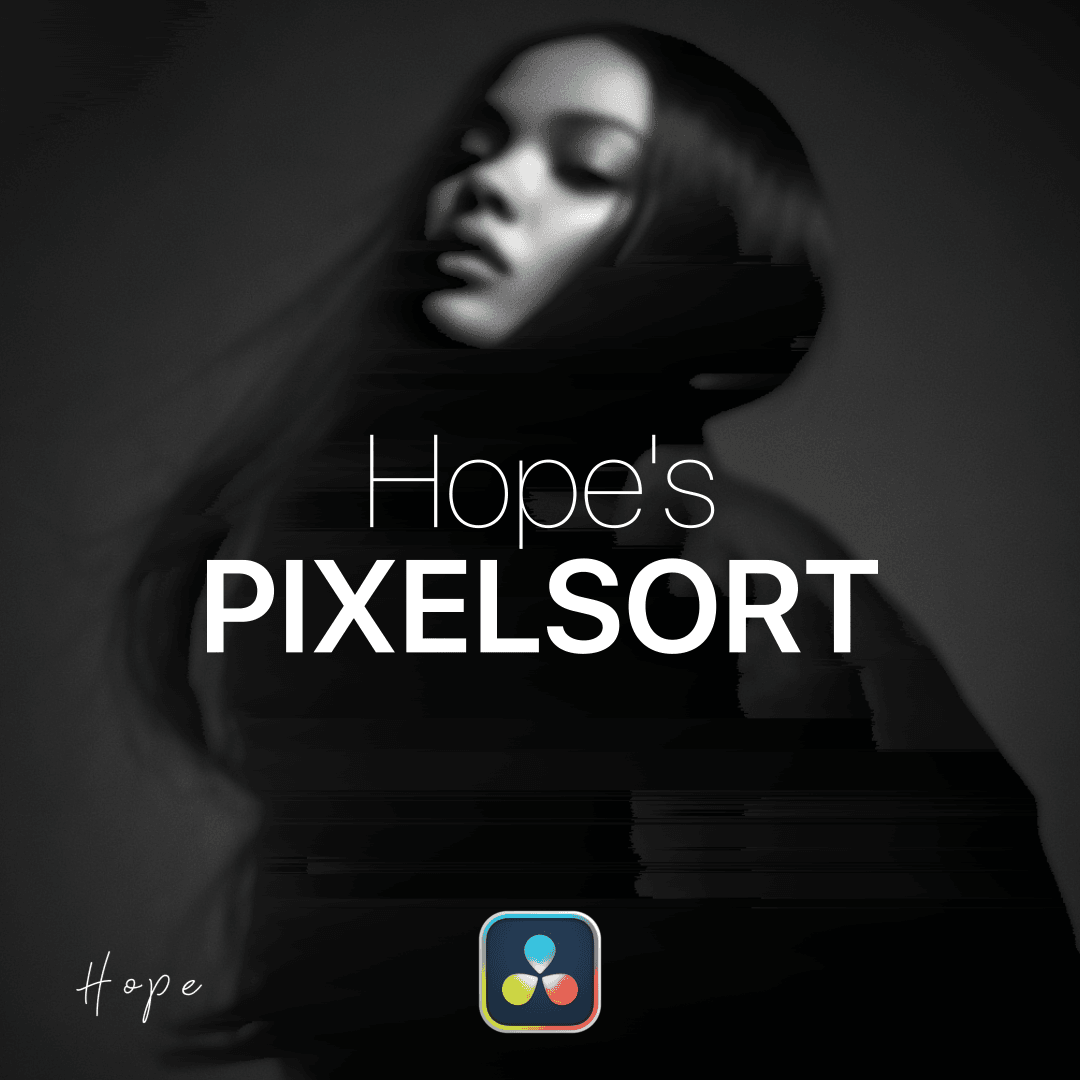
Transform your images with stunning pixel-sorting effects. My plugin lets you creatively distort, rearrange, and stylize pixels with intuitive controls, giving your visuals a unique, digital-art aesthetic in seconds.
Available for:
Free and Studio Version
Example Video
What is this plugin for?
This plugin creates a dynamic pixel sorting glitch effect, giving your footage a distorted, data-driven aesthetic by rearranging pixels based on luminance, saturation, hue or rgb. It produces those iconic stretched and smeared visuals often seen in glitch art, digital breakdowns, and experimental edits.
With a variety of controls, you can define the direction, intensity, and behavior of the pixel sorting—ranging from subtle distortions to extreme, chaotic glitches. Whether you want clean horizontal streaks or aggressive vertical tearing, the effect can be tailored precisely to your style.
Perfect for TikTok edits, music videos, and modern glitch aesthetics, this plugin lets you create eye-catching, high-impact visuals that feel both technical and artistic—without complex setups or external tools.
Gallery
images of this plugin
Connect CMS Image fields (Image 1–10)
How to install this plugin?
To install Fuse plugins in DaVinci Resolve, simply copy the .fuse file into the following directory:
Installation Path Windows: %AppData%\Blackmagic Design\DaVinci Resolve\Support\Fusion\Fuses
macOS: ~/Library/Application Support/Blackmagic Design/DaVinci Resolve/Fusion/Fuses
Linux: ~/.local/share/DaVinciResolve/Fusion/Fuses
Quick Steps
Paste the file into the folder above.
Restart DaVinci Resolve.
Find the tool in the Fusion page via the Tool Selection (Shift + Space).
Note: If the Fuses folder doesn't exist, manually create it.