19.99 €
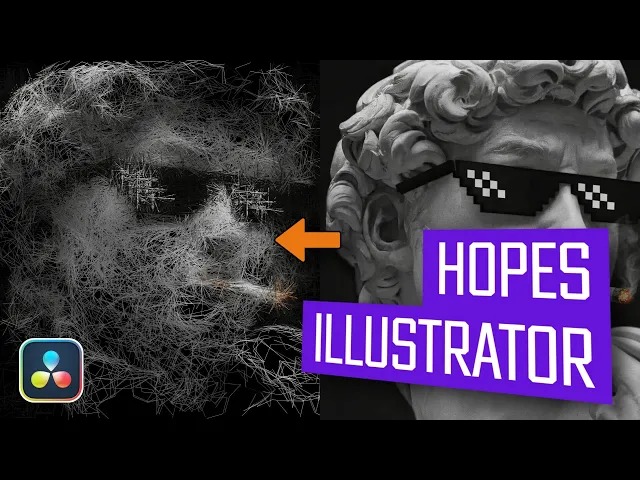
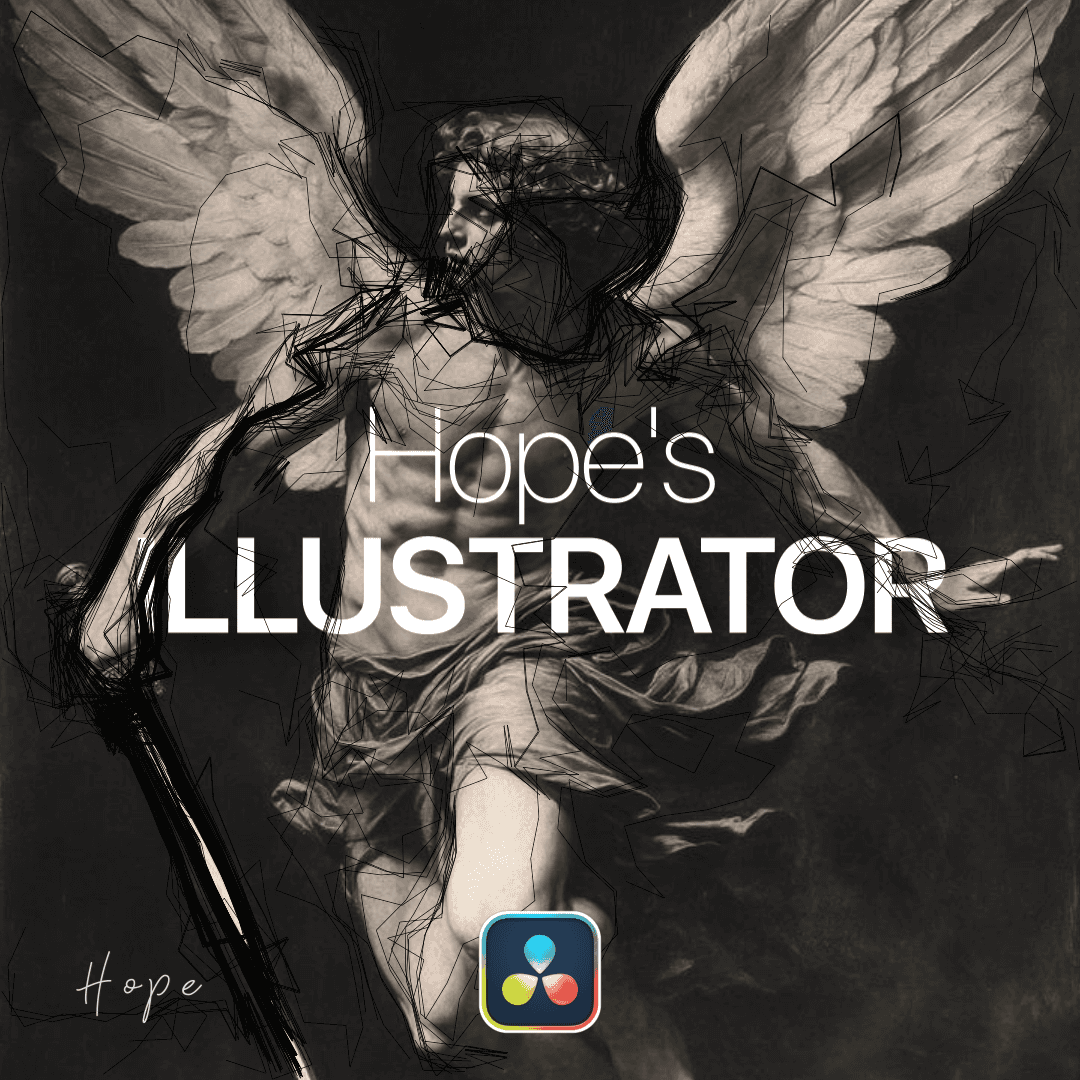
Experience the ballpoint effect with this plugin, that brings hand-drawn, dynamic lines and stylized textures to your images.
Available for:
Free and Studio Version
Example Video
What is this plugin for?
This plugin recreates the popular AE “ballpoint” scribble look, bringing that same hand-drawn, animated pen effect directly into your workflow. It generates dynamic, organic-looking lines that appear as if they were sketched in real time over your footage.
Perfect for creating stylized scribble transitions, accent animations, or adding energy and movement to your edits, it closely matches the aesthetic widely used in edits on platforms like TikTok and in music videos.
Whether you want subtle hand-drawn details or bold, chaotic strokes, this plugin gives you the tools to achieve that signature ballpoint style quickly and effortlessly—without the need for manual drawing or complex setups.
Gallery
images of this plugin
No images provided
Connect CMS Image fields (Image 1–10)
Connect CMS Image fields (Image 1–10)
YouTube Showcase
learn more about this plugin
How to install this plugin?
To install Fuse plugins in DaVinci Resolve, simply copy the .fuse file into the following directory:
Installation Path Windows: %AppData%\Blackmagic Design\DaVinci Resolve\Support\Fusion\Fuses
macOS: ~/Library/Application Support/Blackmagic Design/DaVinci Resolve/Fusion/Fuses
Linux: ~/.local/share/DaVinciResolve/Fusion/Fuses
Quick Steps
Paste the file into the folder above.
Restart DaVinci Resolve.
Find the tool in the Fusion page via the Tool Selection (Shift + Space).
Note: If the Fuses folder doesn't exist, manually create it.