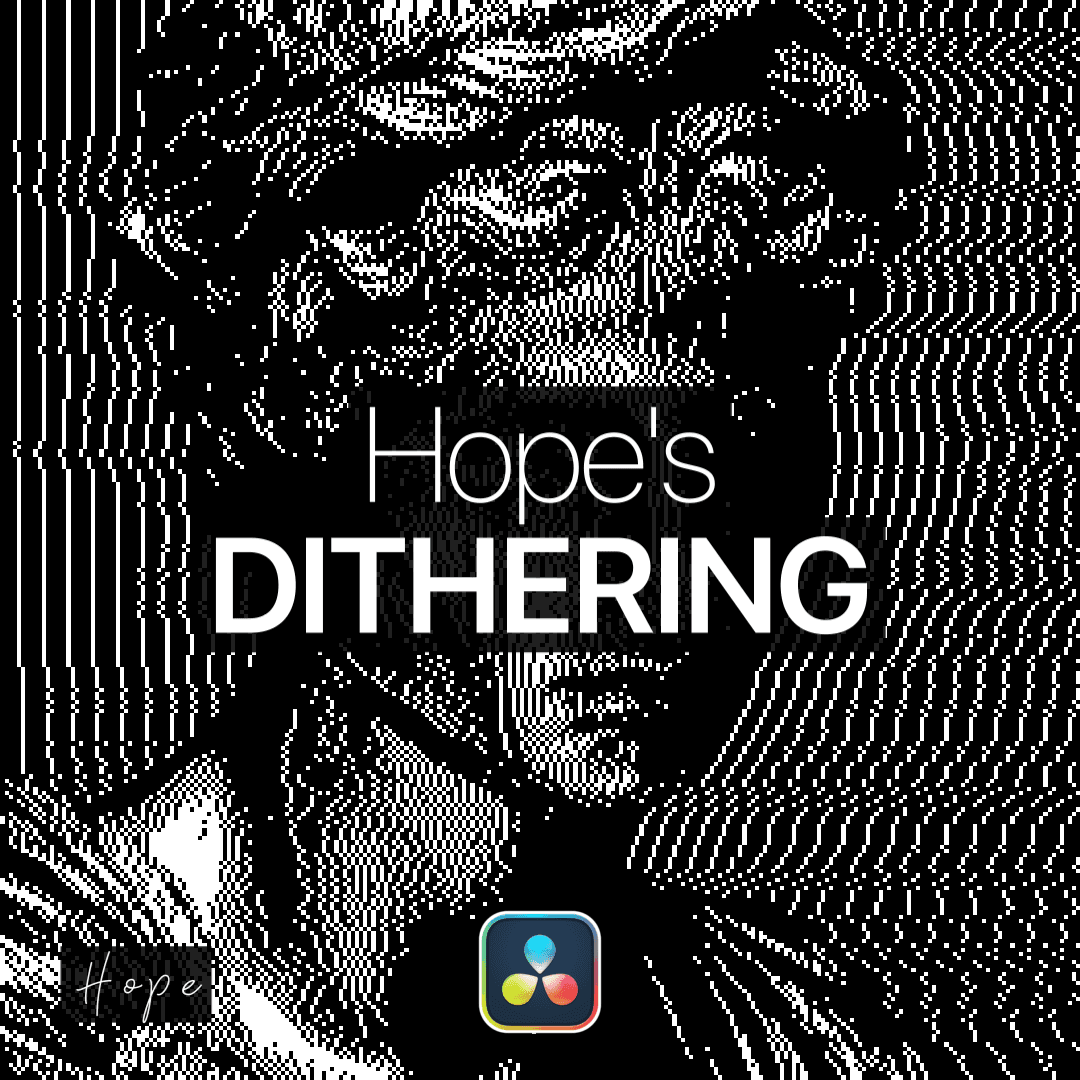
Example Video
What is this plugin for?
Apply high-quality dithering to your footage using a variety of classic algorithms such as Omino, Floyd–Steinberg, Atkinson, and VA. This plugin recreates that distinctive pixelated, retro look by intelligently reducing color information while preserving visual detail.
You have full control over the final result—adjust resolution, gamma, and error multiplier to fine-tune the intensity and style of the dithering. You can also switch from the classic black and white look to an original color mode and even an inverted color look.
Perfect for stylized edits, retro aesthetics, or experimental visuals, this plugin gives you precise control over the dithering process while keeping everything easy to use.
Gallery
images of this plugin
Connect CMS Image fields (Image 1–10)
How to install this plugin?
To install Fuse plugins in DaVinci Resolve, simply copy the .fuse file into the following directory:
Installation Path Windows: %AppData%\Blackmagic Design\DaVinci Resolve\Support\Fusion\Fuses
macOS: ~/Library/Application Support/Blackmagic Design/DaVinci Resolve/Fusion/Fuses
Linux: ~/.local/share/DaVinciResolve/Fusion/Fuses
Quick Steps
Paste the file into the folder above.
Restart DaVinci Resolve.
Find the tool in the Fusion page via the Tool Selection (Shift + Space).
Note: If the Fuses folder doesn't exist, manually create it.