free
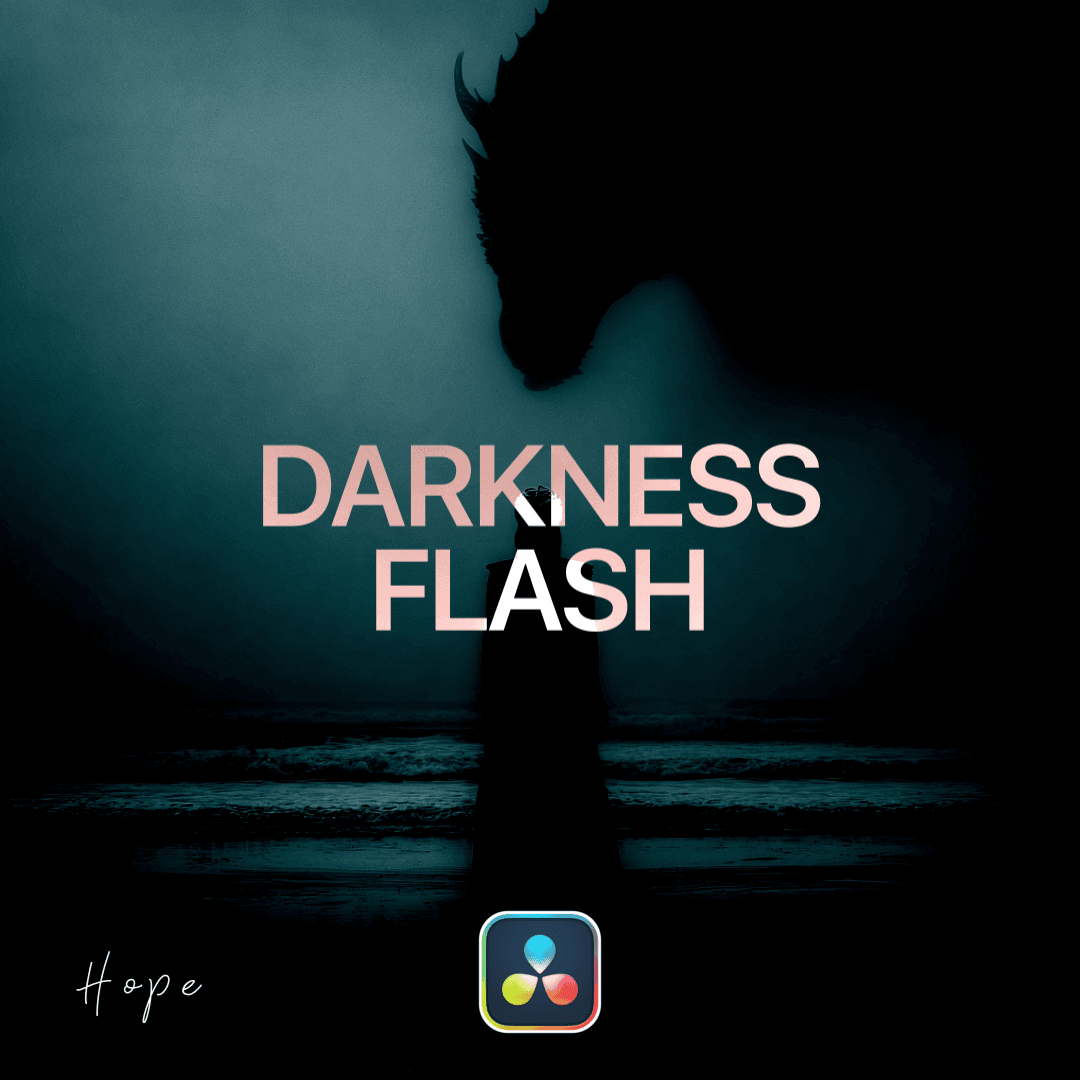
Create a darkness flash transition. Ideal for Flow Edits.
Available for:
Free and Studio Version
How to install this plugin?
To install .drfx macros in DaVinci Resolve, follow these simple steps:
Installation Steps
Double-click the .drfx file on your computer.
DaVinci will open automatically - click Install.
Restart DaVinci Resolve to complete the installation.
Note: Your new presets will be available in the Effects, Titles, or Generator library on the Edit Page.