74,97 €
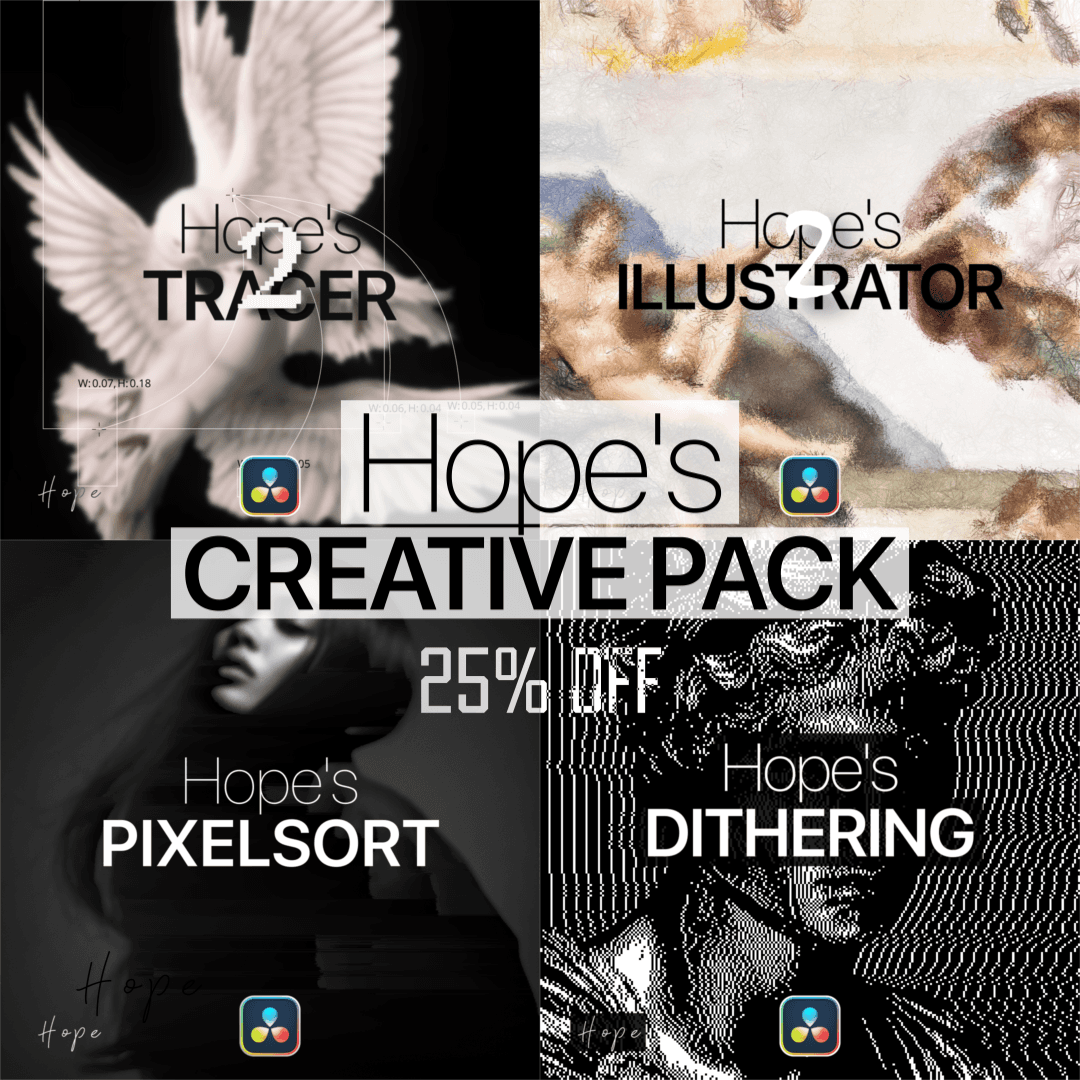
This pack includes
Hope's Illustrator 2
Hope's Pixelsort
Hope's Dithering
Hope's Tracer 2
Available for:
Free and Studio Version
Gallery
images of this plugin
No images provided
Connect CMS Image fields (Image 1–10)
Connect CMS Image fields (Image 1–10)
How to install this plugin?
To install Fuse plugins in DaVinci Resolve, simply copy the .fuse file into the following directory:
Installation Path Windows: %AppData%\Blackmagic Design\DaVinci Resolve\Support\Fusion\Fuses
macOS: ~/Library/Application Support/Blackmagic Design/DaVinci Resolve/Fusion/Fuses
Linux: ~/.local/share/DaVinciResolve/Fusion/Fuses
Quick Steps
Paste the file into the folder above.
Restart DaVinci Resolve.
Find the tool in the Fusion page via the Tool Selection (Shift + Space).
Note: If the Fuses folder doesn't exist, manually create it.